Managing notification templates
A notification template renders a notification into the payload a publisher delivers. Each template combines a Pebble source, a MIME type, and a binding to exactly one publisher.
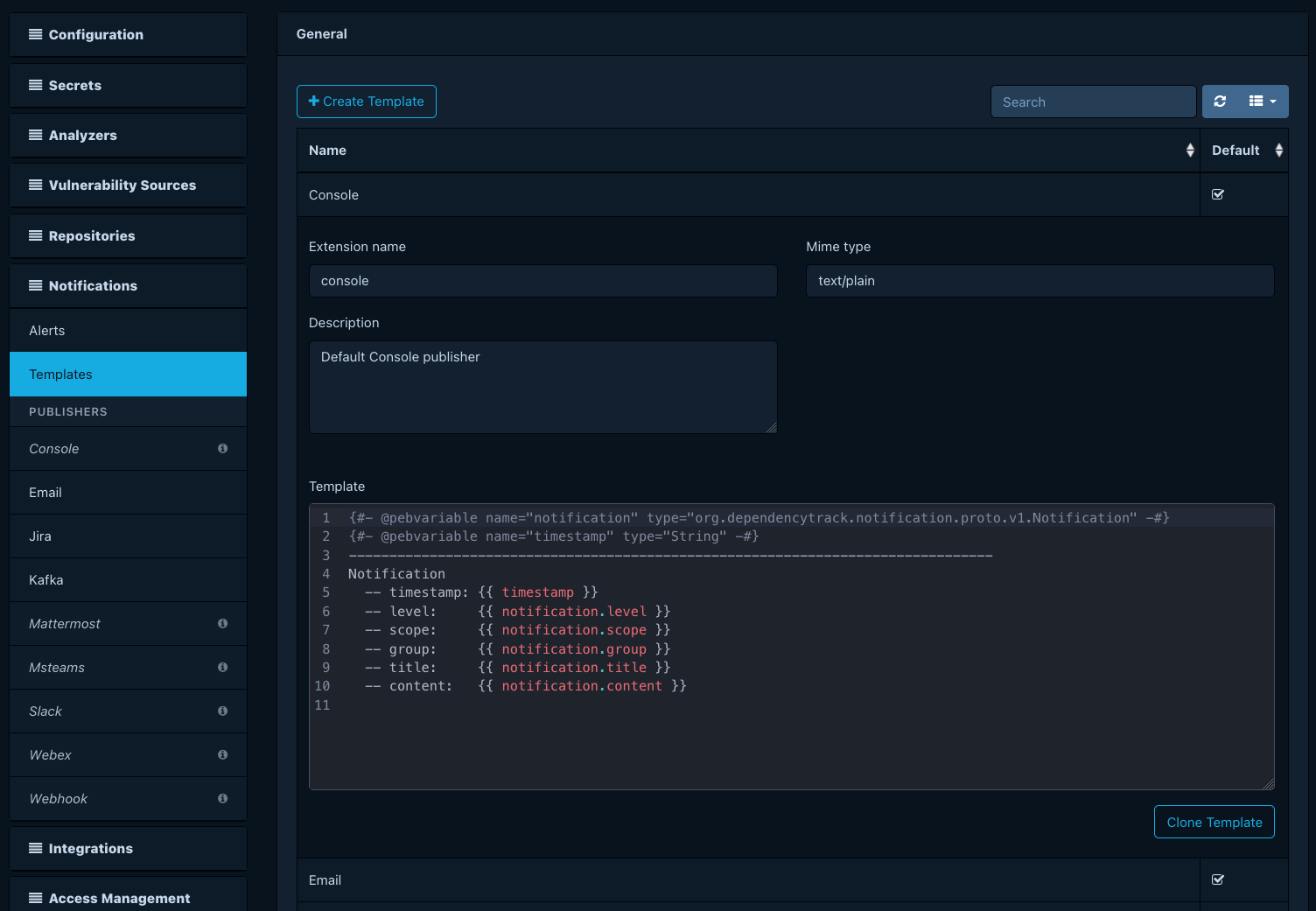
Every built-in publisher ships with a default template. The system treats default templates as read-only. To customize the payload that an alert delivers, clone the default and edit the clone.
Prerequisites
- The
SYSTEM_CONFIGURATIONpermission.
Cloning a default template
Open Administration > Notifications > Templates. The page lists each built-in publisher's default template and marks it as a default. Select the template you want to start from and click Clone. The cloned template inherits the publisher binding and source from the original and stays editable.
Editing a template
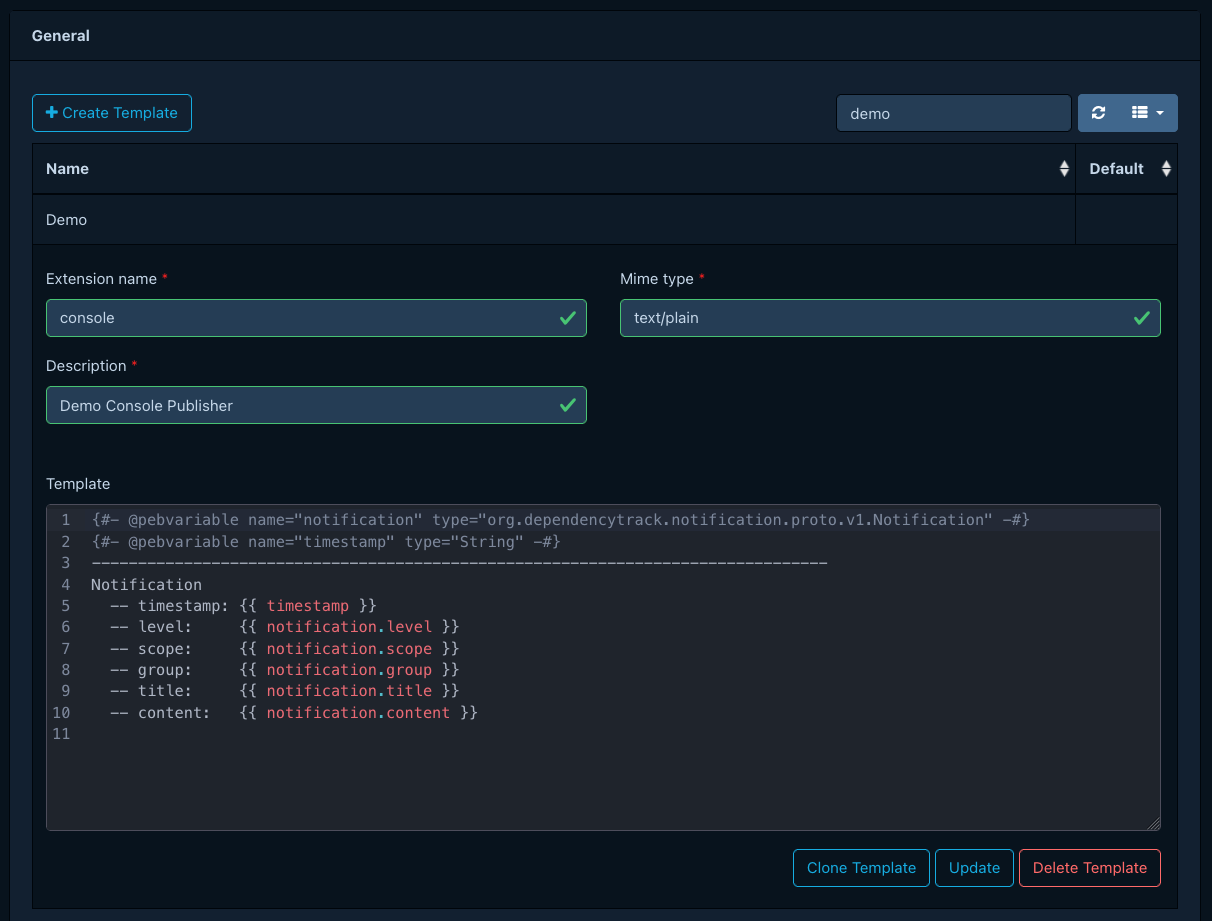
Select a user-created template to edit its Pebble source and MIME type. The templating reference lists the variables and filters available to the template. The MIME type must match what the bound publisher expects; see the publishers reference for per-publisher payload requirements.
Deleting a template
You cannot delete default templates. You can delete user-created templates from the templates list. Deletion fails if any alert still references the template; reassign or delete those alerts first.
