Managing vulnerability policies
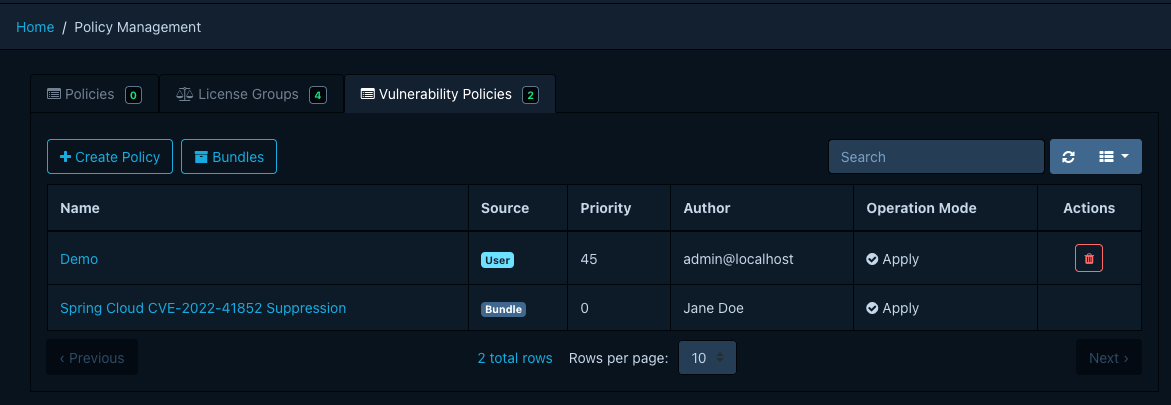
Manage vulnerability policies under Policy Management > Vulnerability Policies. The required
permission is POLICY_MANAGEMENT, or one of the finer-grained POLICY_MANAGEMENT_CREATE,
POLICY_MANAGEMENT_READ, POLICY_MANAGEMENT_UPDATE, POLICY_MANAGEMENT_DELETE.
For background on what vulnerability policies are and how they work, see the concepts page. For field definitions and the bundle YAML schema, see the reference page.
Creating a policy
- Click Create Policy to open the editor.
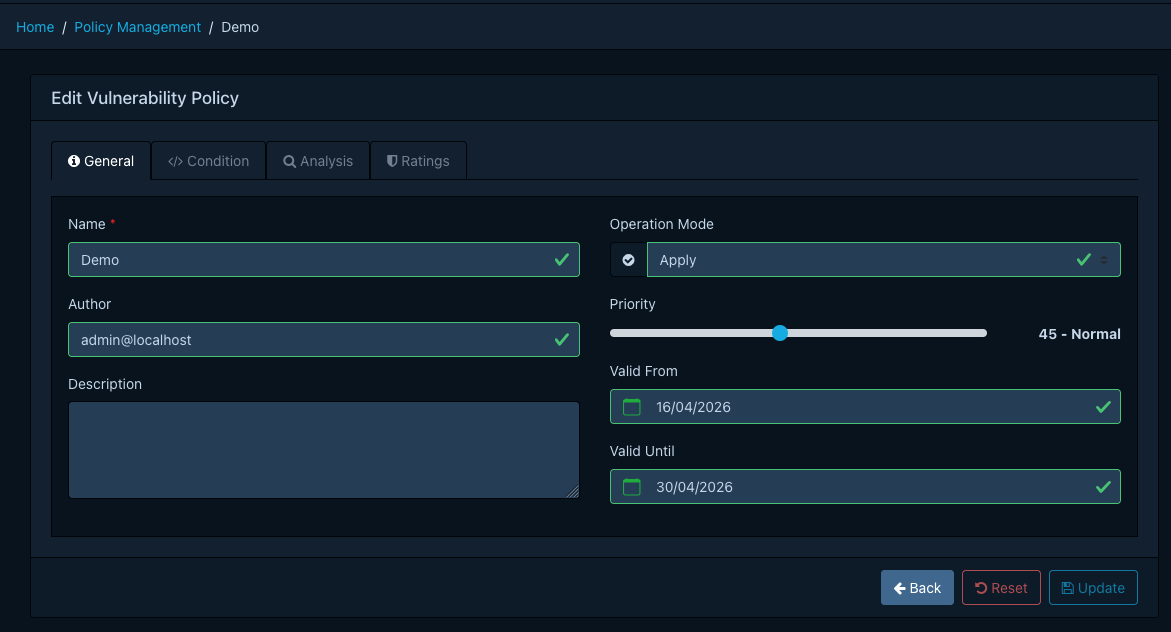
- On the General tab, provide a name, optional description and author, an operation mode, and a
priority between
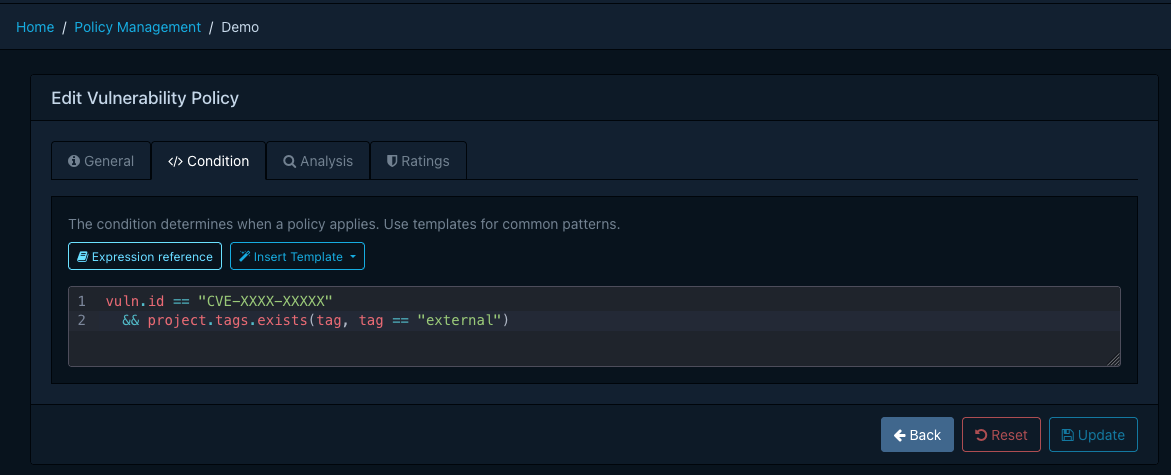
0and100. Higher values take precedence. Optionally set a validity window. - On the Condition tab, write a CEL expression. The editor offers autocompletion for the available variables and functions, and a template dropdown with common patterns.
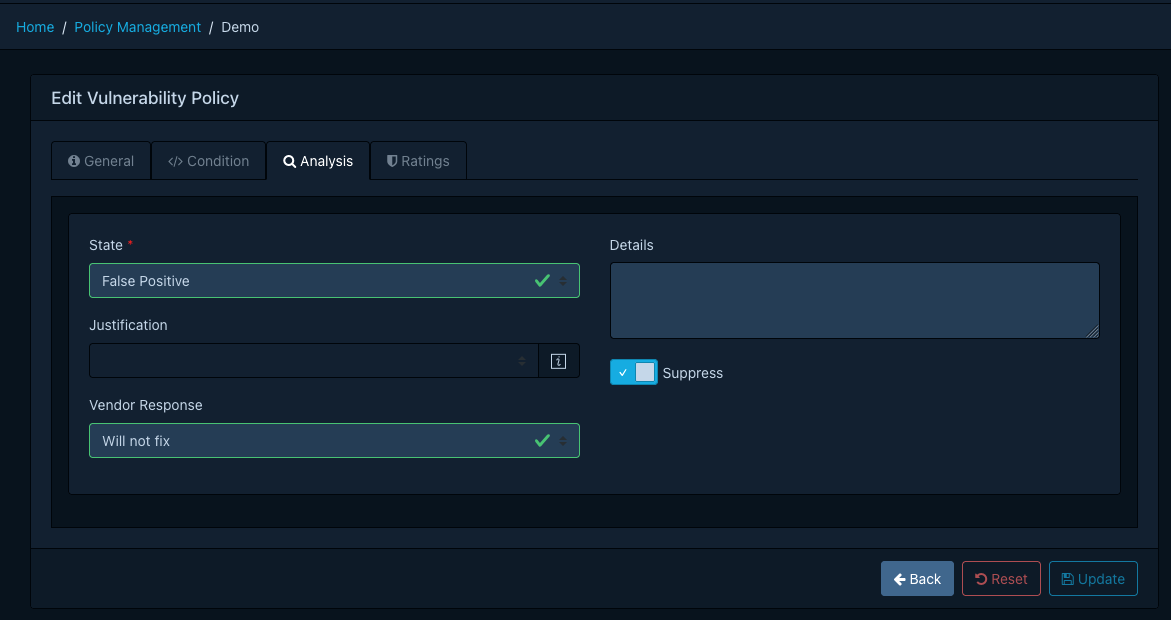
- On the Analysis tab, pick the state and any other analysis fields to apply when the policy matches.
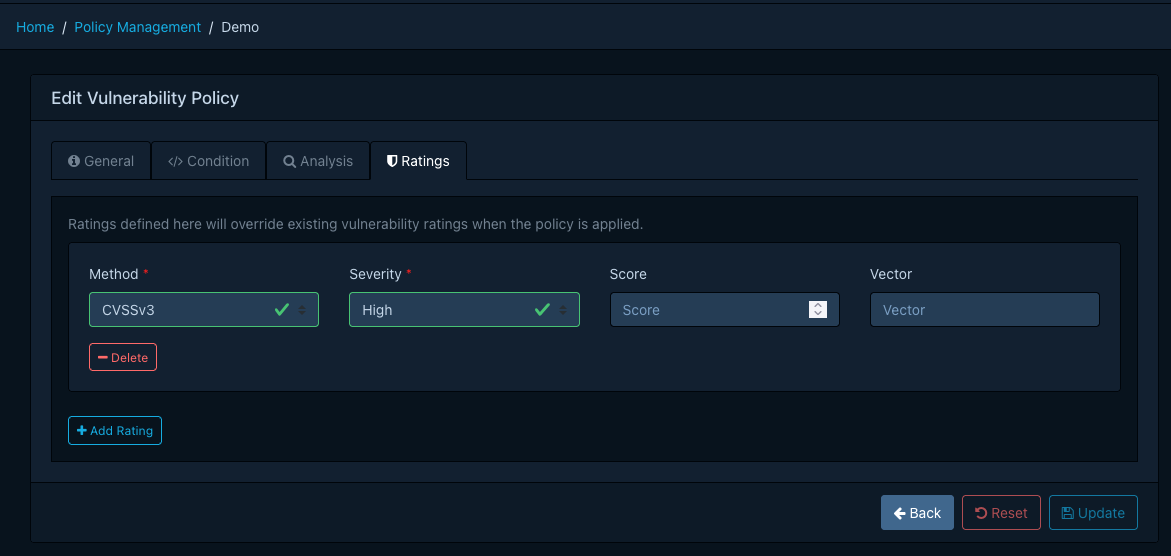
- On the Ratings tab, optionally add up to three rating overrides.
- Click Create.
Editing and deleting
Edit or delete user-managed policies from the list view. Bundle-managed policies appear read-only; change them at the bundle source.
Configuring the bundle source
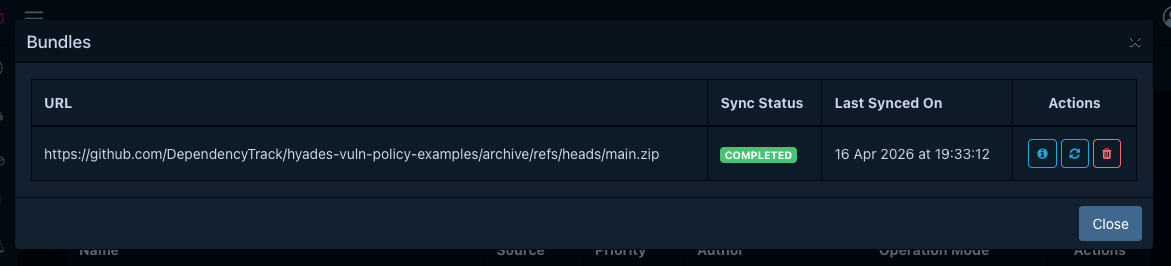
Configure the bundle URL and (optionally) credentials on the API server. Refer to the bundle configuration properties for the full list.
Once you configure the URL, Dependency-Track fetches the bundle on the configured schedule. Dependency-Track skips any bundle whose digest matches the last successful sync. An administrator may also trigger an immediate sync from Policy Management > Vulnerability Policies > Bundles > Sync.