Managing component policies
Manage component policies under Policy Management > Policies. The required permission is
POLICY_MANAGEMENT, or one of the finer-grained POLICY_MANAGEMENT_CREATE,
POLICY_MANAGEMENT_READ, POLICY_MANAGEMENT_UPDATE, POLICY_MANAGEMENT_DELETE. Triaging the
violations a policy raises is a separate task; see
Triaging policy violations.
For background on what component policies are and how they work, see the concepts page. For field definitions and the full subject / operator / value matrix, see the reference page.
Creating a policy
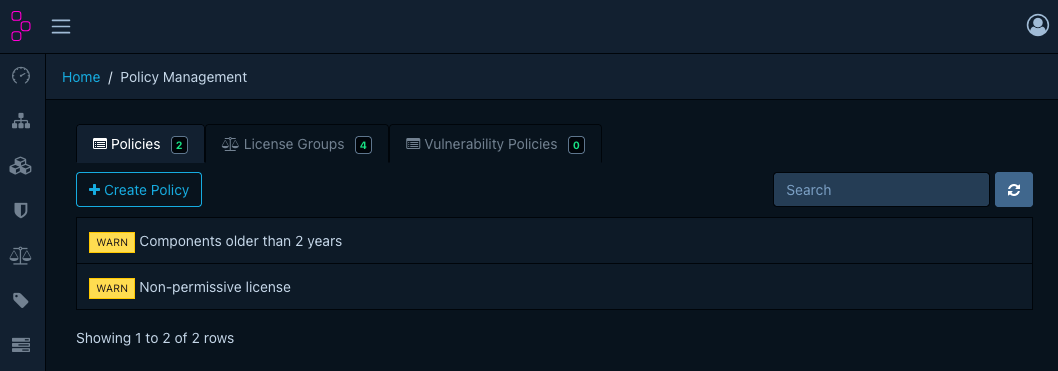
- Open Policy Management > Policies and click Create Policy.
- Give the policy a name.
- Pick the operator (
AnyorAll). - Pick the violation state
(
INFO,WARN, orFAIL). - Click Create. The new policy starts with no conditions.
Note
Saving a policy does not re-run analysis on the portfolio in the moment. Plan rollouts around the project analysis schedule. See About component policies › Lifecycle.
Adding conditions
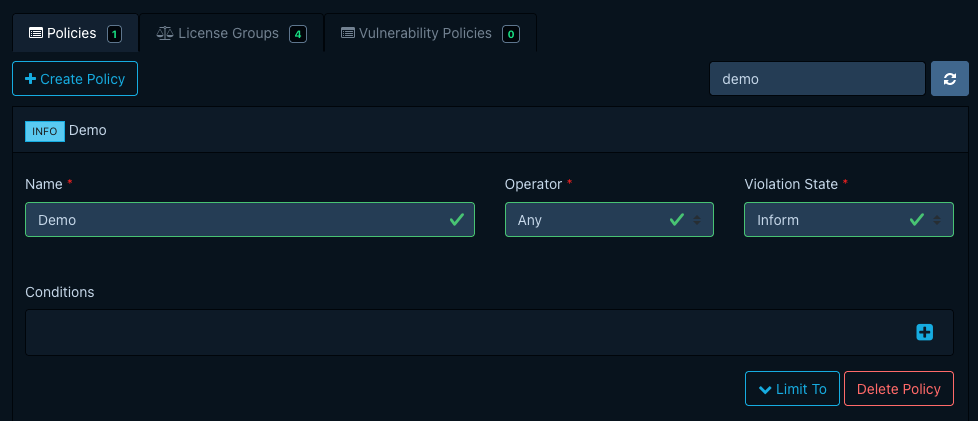
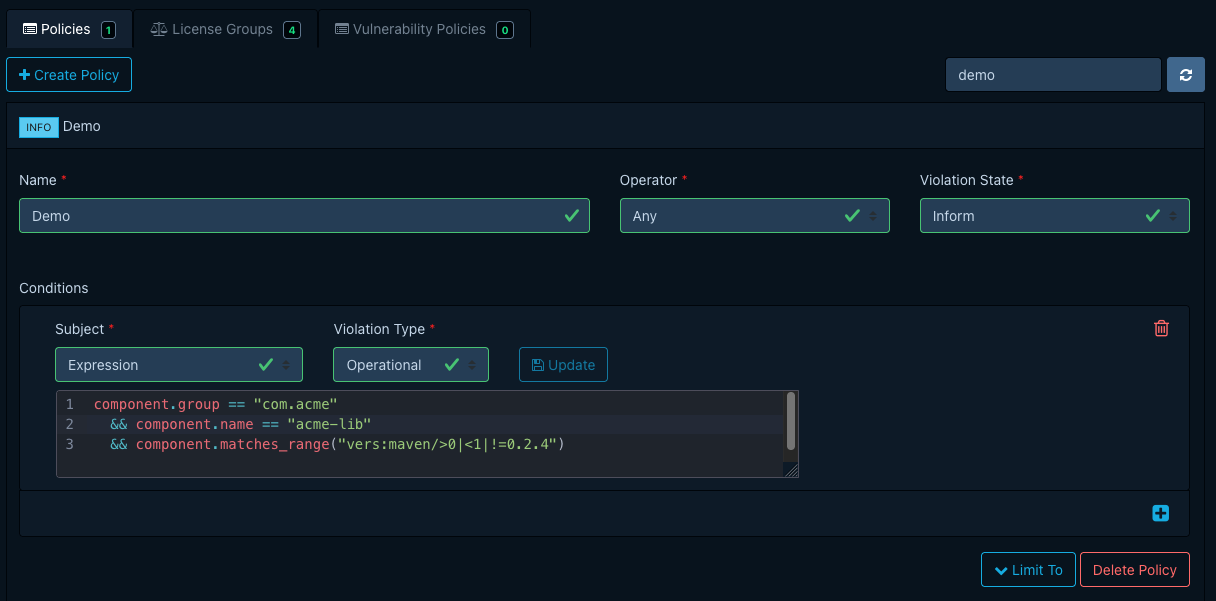
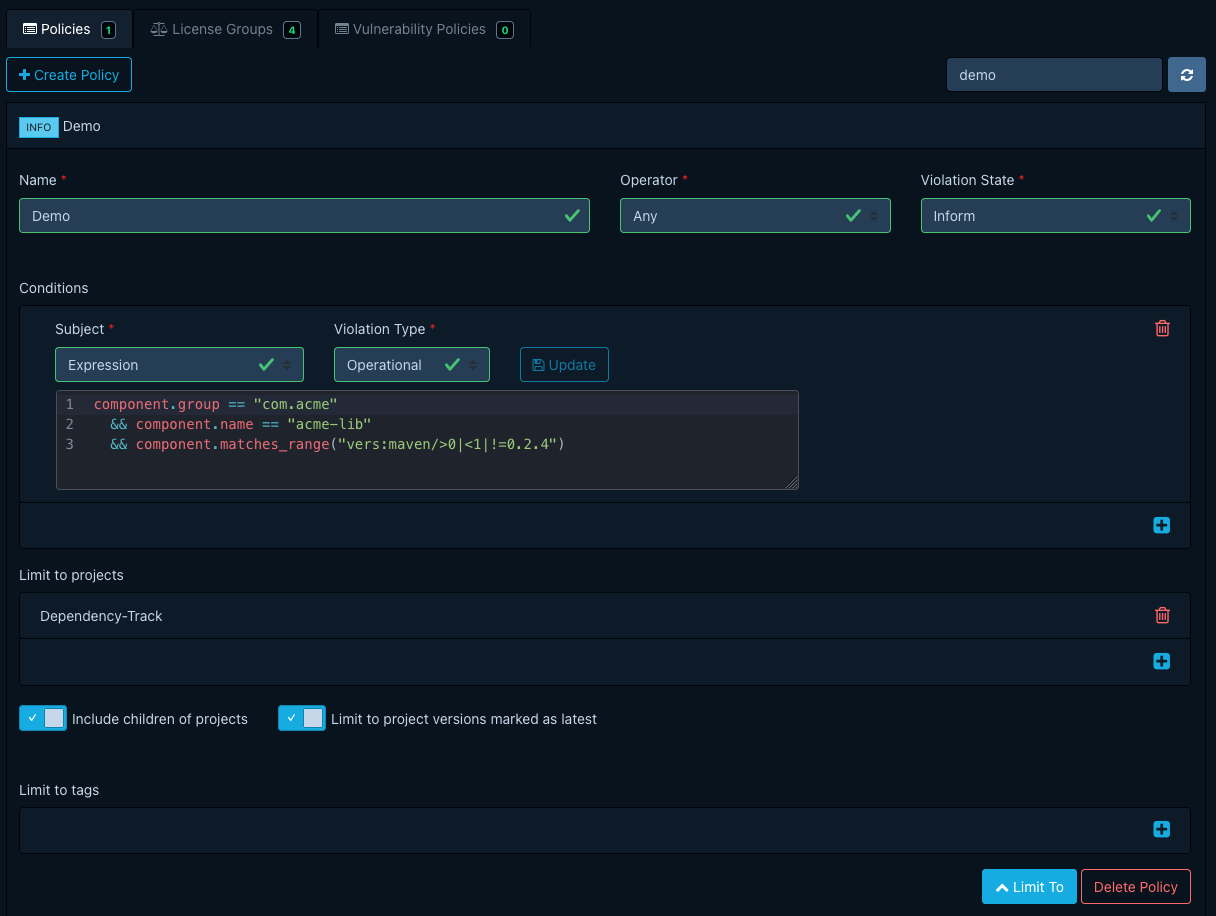
Open the policy from the list to expand its detail view, then add conditions one at a time.
- Pick a Subject. The available operators and value editor change to match the subject. The full matrix is in the subjects reference.
- Pick an Operator and supply a Value. The
COORDINATESeditor exposes group, name, and version inputs;VERSION_DISTANCEexposes epoch, major, minor, and patch fields; forCOMPONENT_HASHthe operator field is the hash algorithm. - For an
EXPRESSIONcondition, an inline CEL editor with autocompletion appears, and you must pick the violation type explicitly. See Condition expressions. - Click Update on the row to save.
Assigning to projects
A new policy is portfolio-wide. To narrow it:
- On the Projects tab, add projects, and toggle Include children to cover their descendants too.
- On the Tags tab, add tags. The policy then applies to every project carrying at least one.
For the precise scoping rules, see Component policies › Assignment.
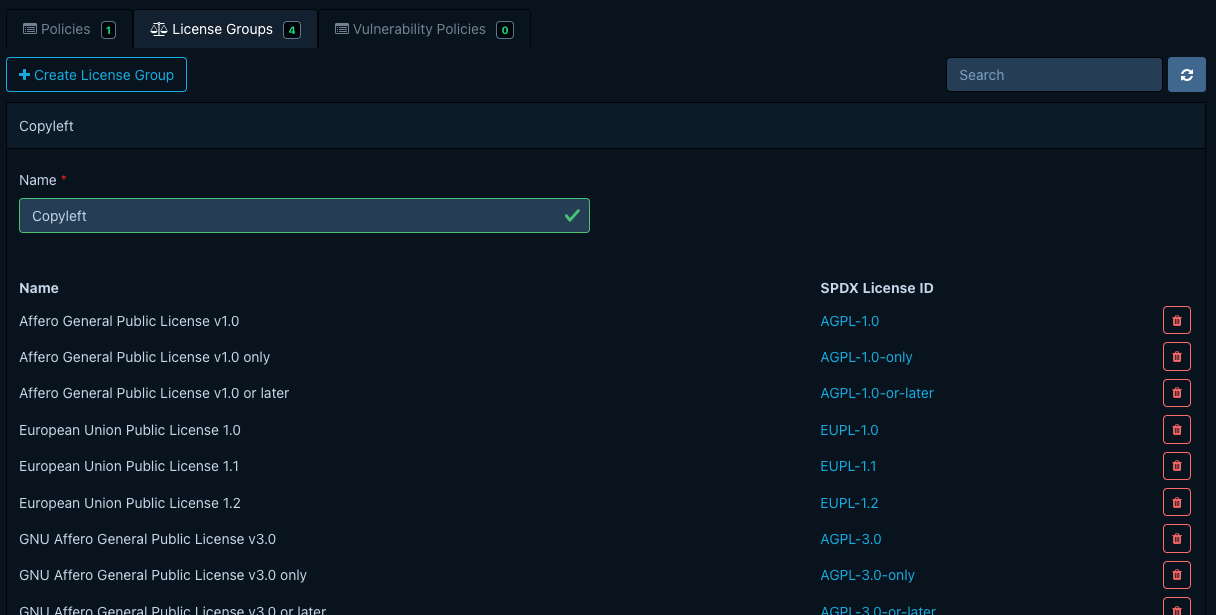
Managing license groups
Manage license groups under Policy Management > License Groups. Built-in groups (such as
Copyleft and Permissive) ship with Dependency-Track. You can extend them or add new ones from
the same view. License groups are the value of LICENSE_GROUP conditions.