Setting up notifications
In this tutorial, we will set up our first notification alert and watch it fire after we upload a BOM. We will use the built-in Console publisher, which writes notifications to the API server's standard output. That keeps the walkthrough self-contained: no email server, chat workspace, or webhook endpoint needed.
What we need
- A running Dependency-Track stack from the Quick start.
- A BOM file to upload. Any valid CycloneDX BOM will do. Dependency-Track's own SBOM is a convenient choice.
Logging in
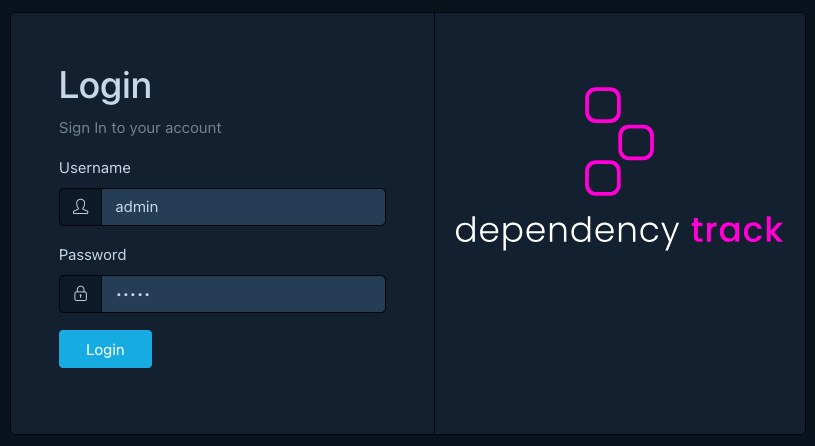
We open the frontend at http://localhost:8081 and log in as
admin. After the first login we set a new password.
Creating a project
A BOM_PROCESSED notification fires against a specific project,
so we need a project to upload our SBOM into.
We open Projects > Create Project, name it notifications-demo,
and save.
Creating the alert
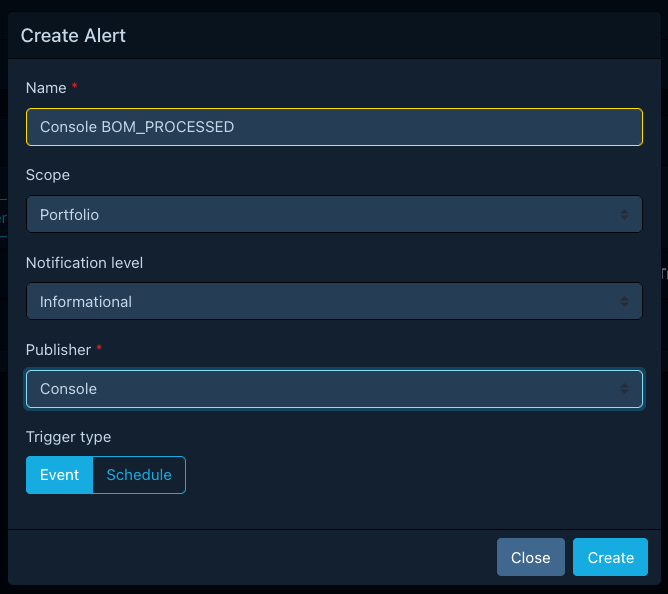
We open Administration > Notifications > Alerts and click Create Alert with these values:
| Field | Value |
|---|---|
| Name | Console BOM_PROCESSED |
| Scope | Portfolio |
| Level | Informational |
| Publisher | Console |
| Trigger type | Event |
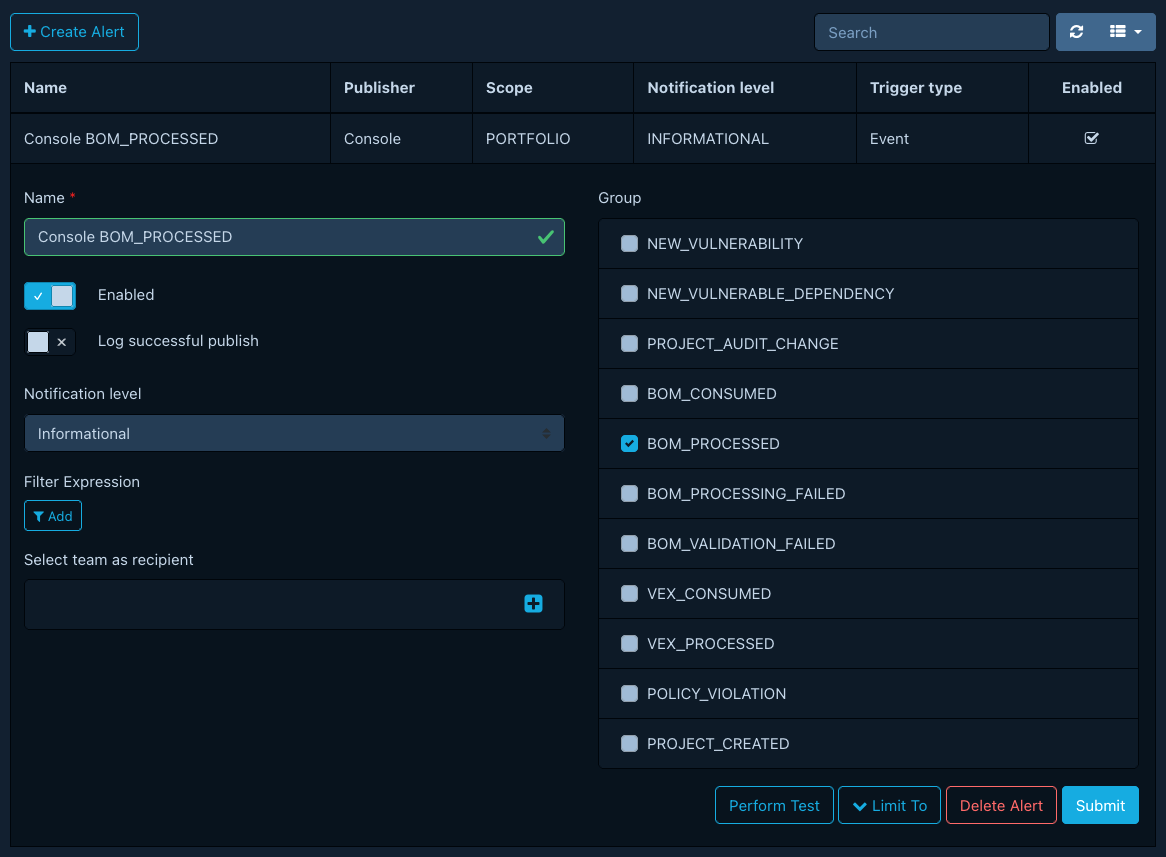
After saving, we open the new alert and enable the BOM_PROCESSED
group under Notification Groups. We leave Limit To empty so the
alert fires for every project in the portfolio.
The Console publisher needs no further configuration. It always writes to the API server's standard output.
Watching the API server logs
In a second terminal, we follow the API server's container logs:
docker compose -f docker-compose.quickstart.yml logs --follow apiserver
We keep this terminal visible. The notification will appear here.
Triggering a notification
Back in the frontend, we open the notifications-demo project, switch
to the Components tab, and upload our SBOM through Upload BOM.
Dependency-Track imports the BOM, processes it, and emits a
BOM_PROCESSED notification when processing finishes.
Within a few seconds, the log-tailing terminal shows output for the notification:
1 2 3 4 5 6 7 8 | |
That is our alert firing end to end: an event in the platform, matched by the alert, rendered by the publisher, and delivered to the destination.
What's next
- Configuring notification alerts: add project and tag limits, switch to a real publisher.
- Notification publishers: configure email, Slack, Webhook, and other destinations.
- Templating reference: customize what notifications look like.
- Debugging missing notifications: diagnose alerts that do not deliver.
