Vulnerability Analyzers
Dependency-Track ships with the following vulnerability analyzers. Each analyzer can be individually enabled and configured via the administration UI.
Alias synchronisation
Some analyzers support alias synchronisation. Vulnerability aliases map equivalent identifiers across databases. For example, a CVE identifier and its corresponding GitHub Security Advisory (GHSA) identifier. Enabling alias synchronisation allows Dependency-Track to correlate these identifiers, giving a more complete picture of each vulnerability across sources.
Internal
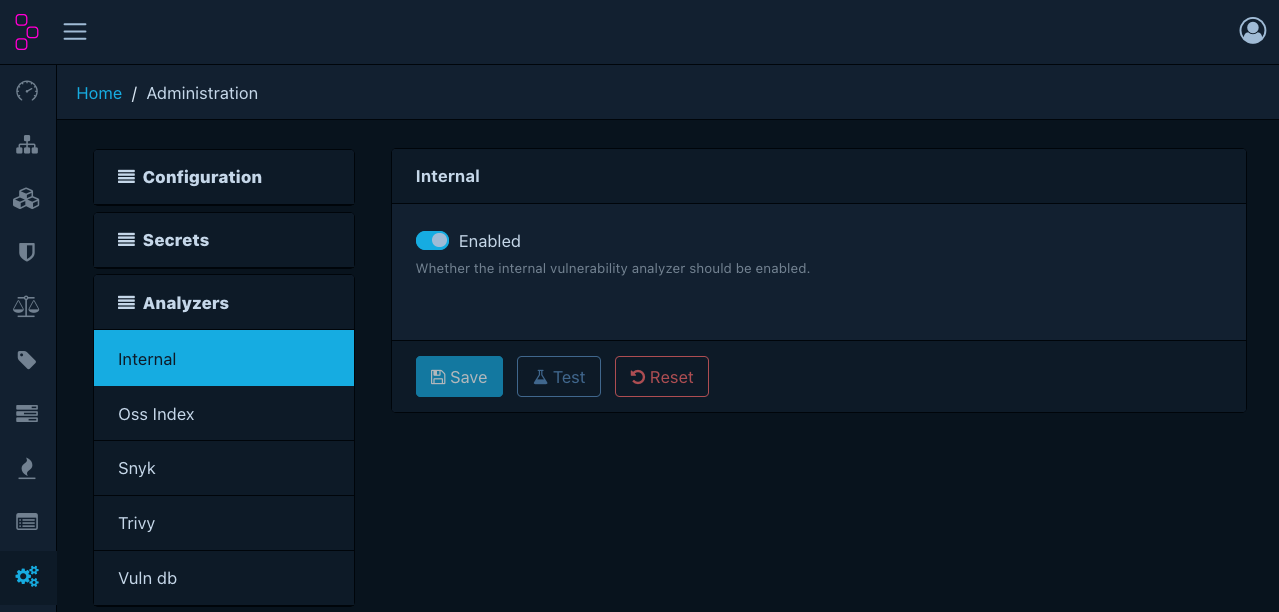
Matches components against Dependency-Track's own vulnerability database. This includes vulnerabilities mirrored from sources such as the NVD, GitHub Advisories, and OSV. The internal analyzer is enabled by default.
For background on what each mirrored source contributes and how matching works, see About vulnerability data sources.
Uses both CPE and PURL matching.
Note
The internal analyzer does not communicate with any external service. It queries only the local database.
Configuration
| Option | Required when enabled | Description |
|---|---|---|
| Enabled | - | Whether the analyzer is active |
Data source configuration
Because the analyzer operates entirely read-only, it is possible to use a separate data source for it, which can help to reduce load on the main database.
This can be achieved using
dt.vuln-analyzer.internal.datasource.name.
Since it is an infrastructure concern, it cannot be configured through the UI.
OSS Index
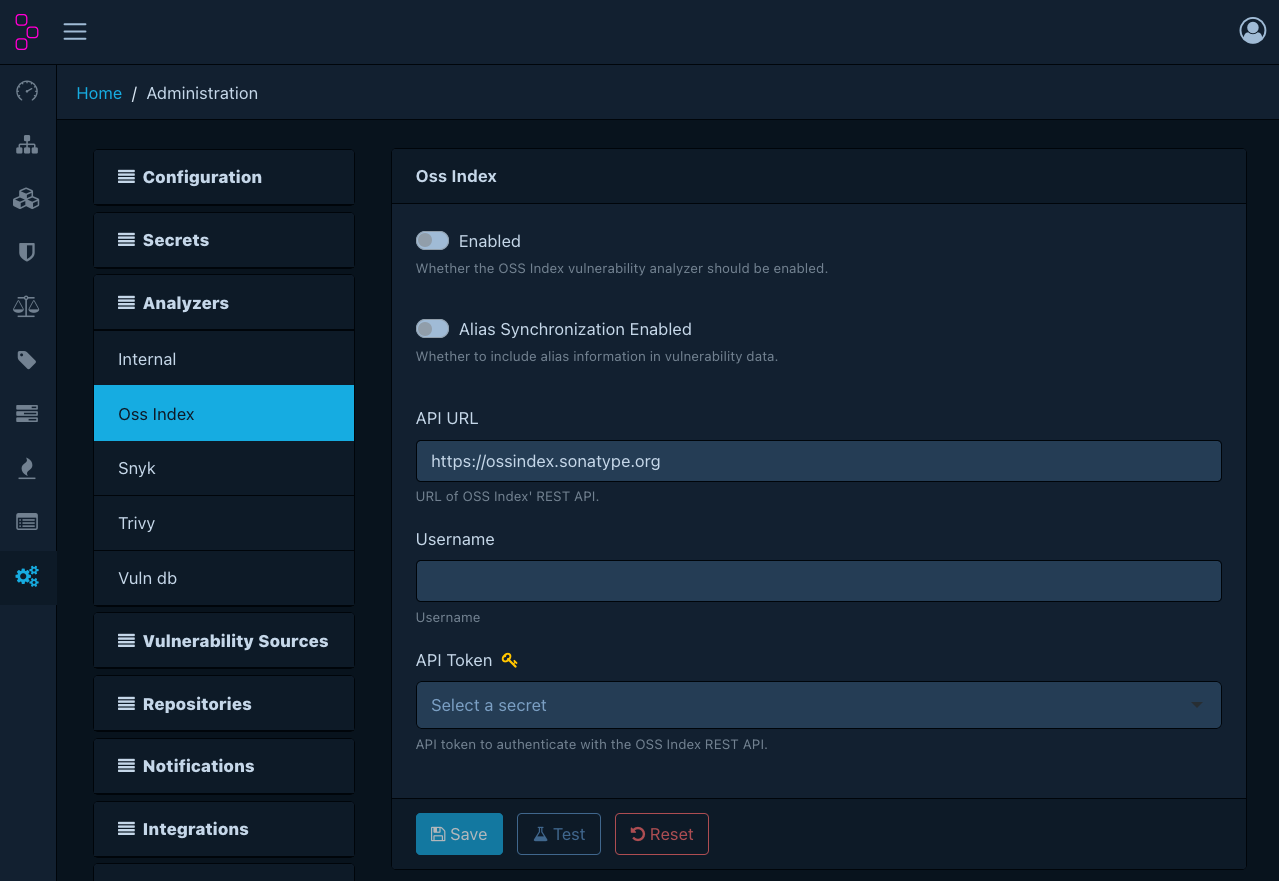
Integrates with Sonatype OSS Index for vulnerability intelligence.
Uses PURL matching. Supports the following ecosystems:
cargococoapodscomposerconancondacrangemgolangmavennpmnugetpypirpmswift
Configuration
| Option | Required when enabled | Description |
|---|---|---|
| Enabled | - | Whether the analyzer is active |
| Alias sync enabled | - | Whether to synchronise vulnerability aliases |
| API URL | Yes | OSS Index API base URL (default: https://ossindex.sonatype.org) |
| Username | Yes | OSS Index account username |
| API token | Yes | OSS Index API token. Must be a managed secret. |
Snyk
Integrates with the Snyk vulnerability database.
Uses PURL matching. Supports the following ecosystems:
cargococoapodscomposergemgenerichexgolangmavennpmnugetpypiswift
Configuration
| Option | Required when enabled | Description |
|---|---|---|
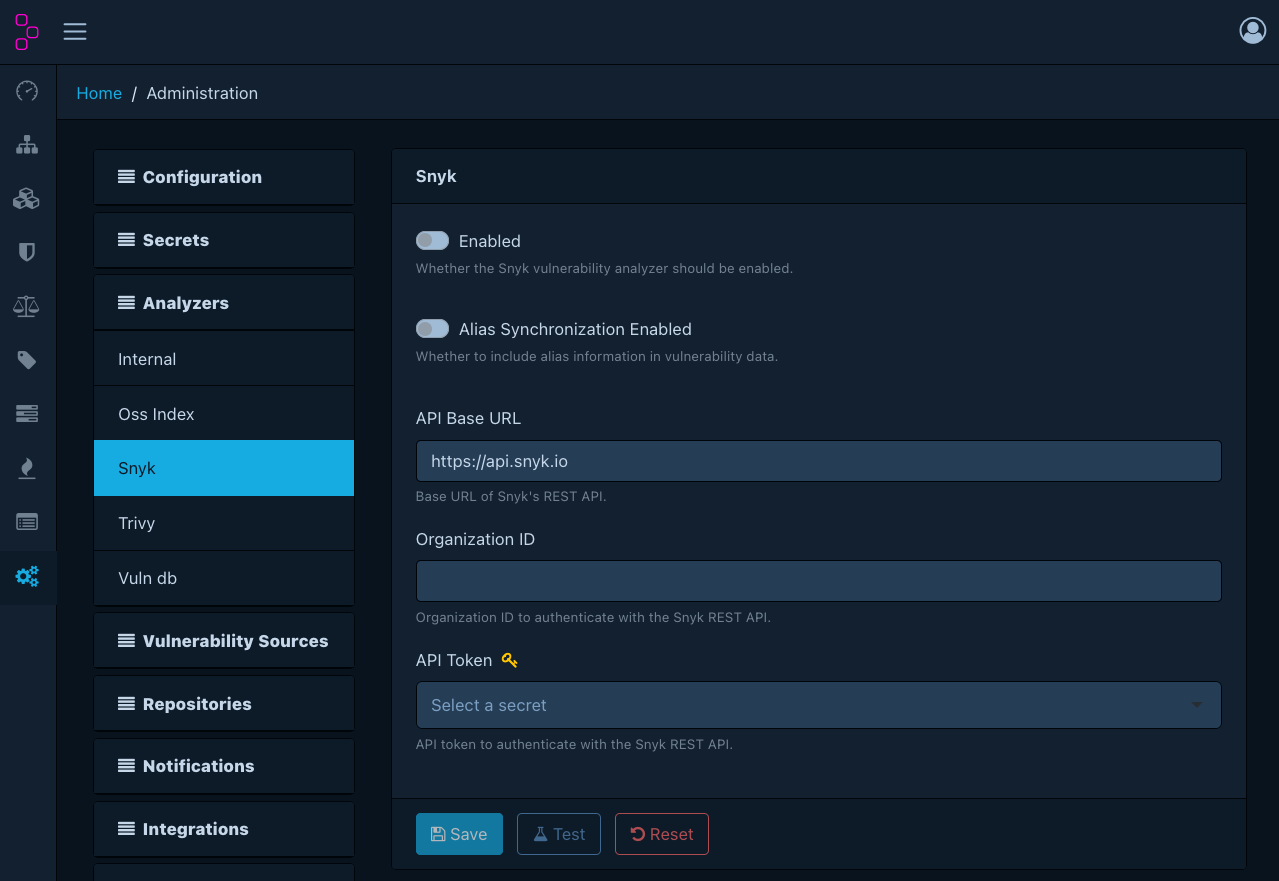
| Enabled | - | Whether the analyzer is active |
| Alias sync enabled | - | Whether to synchronise vulnerability aliases |
| API base URL | Yes | Snyk REST API base URL (default: https://api.snyk.io) |
| Organisation ID | Yes | Snyk organisation identifier |
| API token | Yes | Snyk API token. Must be a managed secret. |
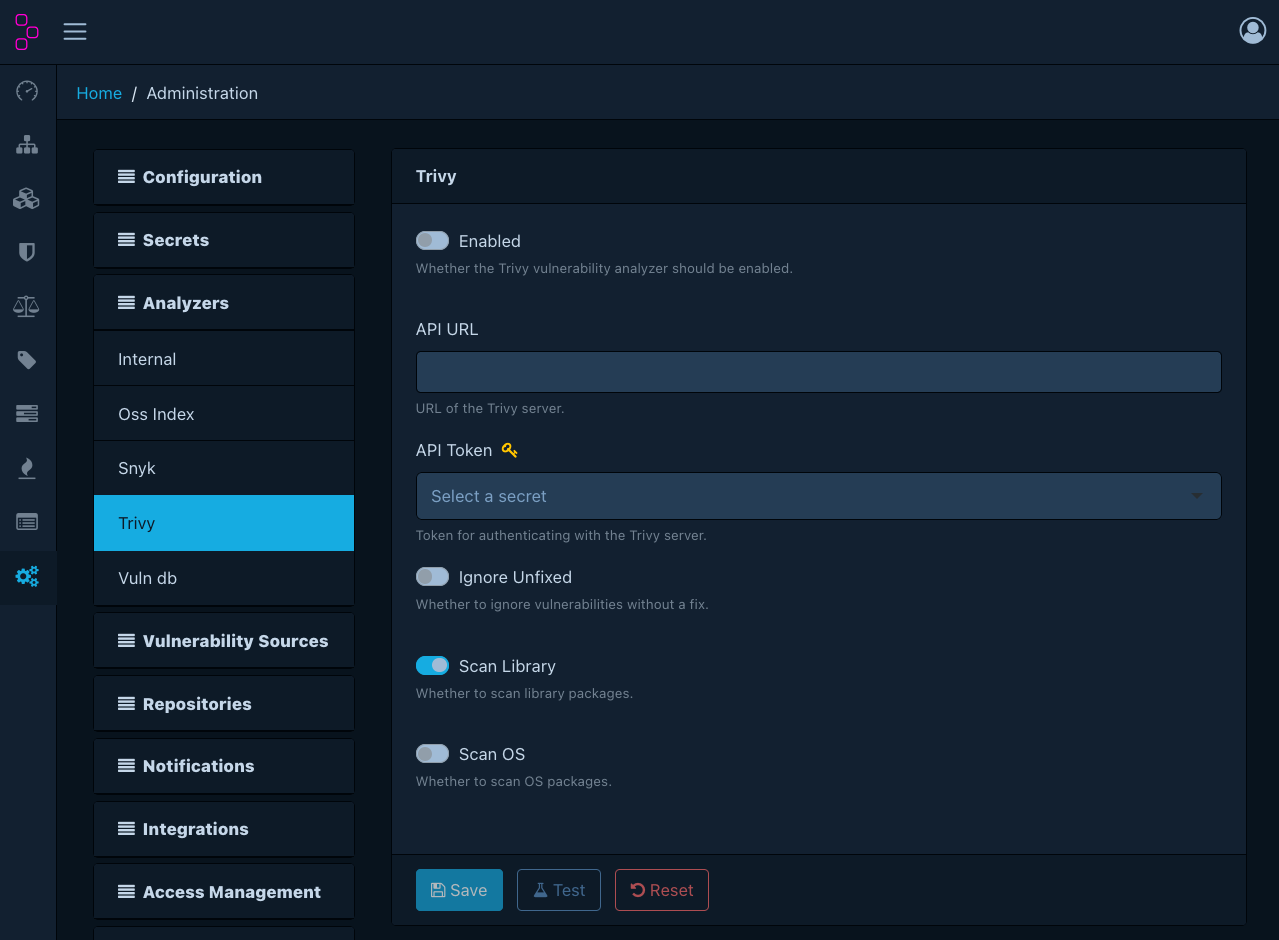
Trivy
Integrates with a Trivy server instance for vulnerability scanning.
Uses PURL matching.
Warning
Trivy requires a separately deployed Trivy server. Dependency-Track does not bundle or manage the Trivy server process.
Configuration
| Option | Required when enabled | Description |
|---|---|---|
| Enabled | - | Whether the analyzer is active |
| API URL | Yes | URL of the Trivy server |
| API token | - | Authentication token for the Trivy server. Only required when the Trivy server runs with --token. Must be a managed secret. |
| Ignore unfixed | - | Whether to exclude vulnerabilities without a known fix |
| Scan library | - | Scan language/library packages (enabled by default) |
| Scan OS | - | Scan OS-level packages (disabled by default) |
Note
dt.outbound.allowed-destinations
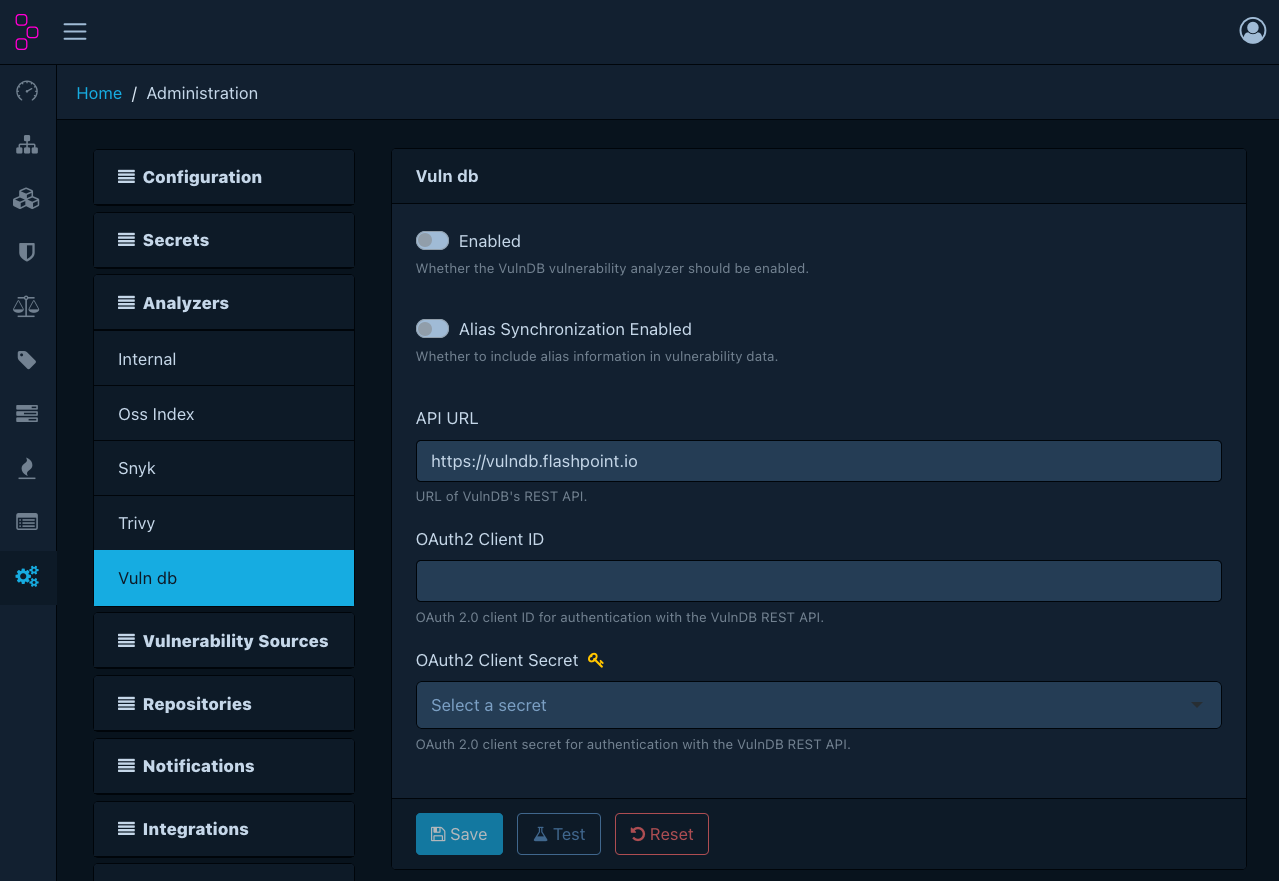
must allow the Trivy server. Add the exact hostname from the API URL, for example trivy,
or localhost for a sidecar. Prefer it over loopback or private, which allow every address in their range.
VulnDB
Integrates with Flashpoint VulnDB, a commercial vulnerability intelligence service.
Uses CPE matching.
Configuration
| Option | Required when enabled | Description |
|---|---|---|
| Enabled | - | Whether the analyzer is active |
| Alias sync enabled | - | Whether to synchronise vulnerability aliases |
| API URL | Yes | VulnDB API URL (default: https://vulndb.flashpoint.io) |
| OAuth 2.0 client ID | Yes | OAuth 2.0 client ID for authentication |
| OAuth 2.0 client secret | Yes | OAuth 2.0 client secret for authentication. Must be a managed secret. |